Running a restaurant in Cambodia’s competitive 2026 market requires more than just great food; it requires a seamless guest experience and operational control. Moving away from traditional, bulky cash registers toward MPOS is the most effective way to eliminate order errors, speed up table turnovers, and gain real-time insights into your business.
Whether you are managing a trendy café in Phnom Penh or a high-volume eatery, this step-by-step guide will show you how to implement a professional MPOS system to take your service to the next level.
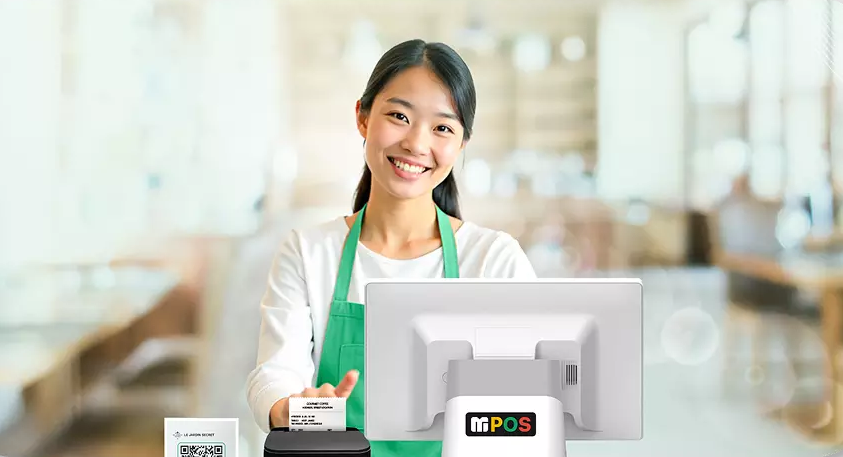
Step 1: Evaluate Your Hardware Needs
The beauty of an MPOS is its flexibility. Unlike traditional systems, you can choose hardware that fits your specific layout.
- The Main Terminal: Use a dedicated smart cash register, such as the MC1 or MC1A, for your central cashiering station. These single-screen terminals are designed for high-volume transactions and offer a visually clean, minimalist footprint on your counter.
- Printing Solutions: You will need reliable kitchen and receipt printers. Options like the MP80 or MP80A offer fast output and a compact design that fits anywhere in a cramped kitchen or bar area.
- Security & Storage: Ensure you have a heavy-duty steel cash drawer, such as the MB series, for secure cash management.
Step 2: Ensure a Robust Network Infrastructure
Since MPOS systems rely on the cloud to sync orders between the table, the kitchen, and the manager’s dashboard, your Wi-Fi is your lifeline.
- Dedicated Network: Set up a private Wi-Fi network specifically for your POS devices.
- Signal Boosters: If you have an outdoor seating area or a large dining room, install mesh Wi-Fi routers to ensure there are no “dead zones” where orders might fail to send.
Step 3: Menu Programming and Customization
This is the most critical part of the digital setup. Your MPOS software needs to be an exact digital twin of your physical kitchen.
- Categorization: Group items logically (Appetizers, Mains, Drinks, Desserts) for quick navigation.
- Pictures and Descriptions: Upload high-quality images and brief descriptions. This helps new staff identify dishes quickly and accurately.
Step 4: Integrated Payment Processing
To truly benefit from “mobile” service, you need to be able to accept payments anywhere in the restaurant.
- Local Payment Methods: Ensure your MPOS is integrated with popular local payment options, including QR code scanning (like KHQR), digital wallets.
Step 5: Staff Training and “Soft Launch”
Even the best technology is only as good as the people using it. Before going live, run a comprehensive training session.
- Role-Play Scenarios: Have your staff practice complex orders, splitting bills between multiple customers, and processing refunds.
- The Soft Launch: On your first day with the new system, consider a “soft opening” with a limited menu or invited guests. This allows you to iron out any workflow hiccups before a busy Friday night rush.
Ready to Streamline Your Restaurant?
Setting up a mobile system doesn’t have to be overwhelming. With the right local support and a clear plan, you can have your team taking mobile orders in just a few days.
Leave a Reply