Ready to modernize your operations? Getting started with a professional POS system in Cambodia is a straightforward process designed to ensure the software fits your specific business needs before you commit.
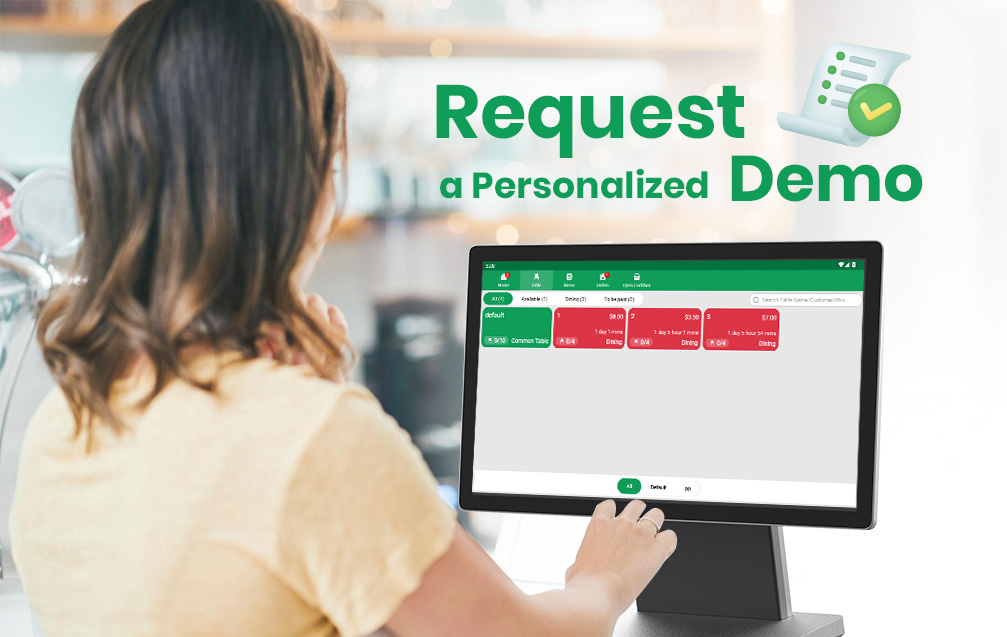
Step 1: Request a Personalized Demo
The best way to see how the system handles localized challenges—like KHQR integration and dual-currency transactions—is through a live demonstration. You can book a demo by visiting the M-POS Contact Page.
During the demo, a specialist will show you how to:
- Set up your Table Layout and floor plan.
- Configure your Bill of Materials (BOM) for ingredient tracking.
- Manage multi-branch reporting from your smartphone.
Step 2: Activate Your Free Trial
Once you’ve seen the software in action, you can move into the trial phase. This allows you to test the interface in your actual business environment.
- For F&B Businesses: You can often find the management application on the Google Play Store to explore the mobile interface immediately.
- Direct Setup: For a full trial including hardware integration (printers, cash drawers), the support team at Support@metathought.co can assist with a remote or on-site installation at your shop in Phnom Penh or beyond.
Step 3: Localized Onboarding
Unlike “free” apps, starting a trial with a professional system includes access to technical support. Whether you need help syncing your ABA/Bakong payments or training your staff, expert assistance is available to ensure your trial is a success.
Take the first step toward a more efficient business. Contact M-POS today to schedule your demo.
Leave a Reply